

Video

Sheet Music vs. Visualizers: What to choose?
Do you wonder whether you should go with sheet music or visualizers to learn new songs? Learn what I have to say on this topic.
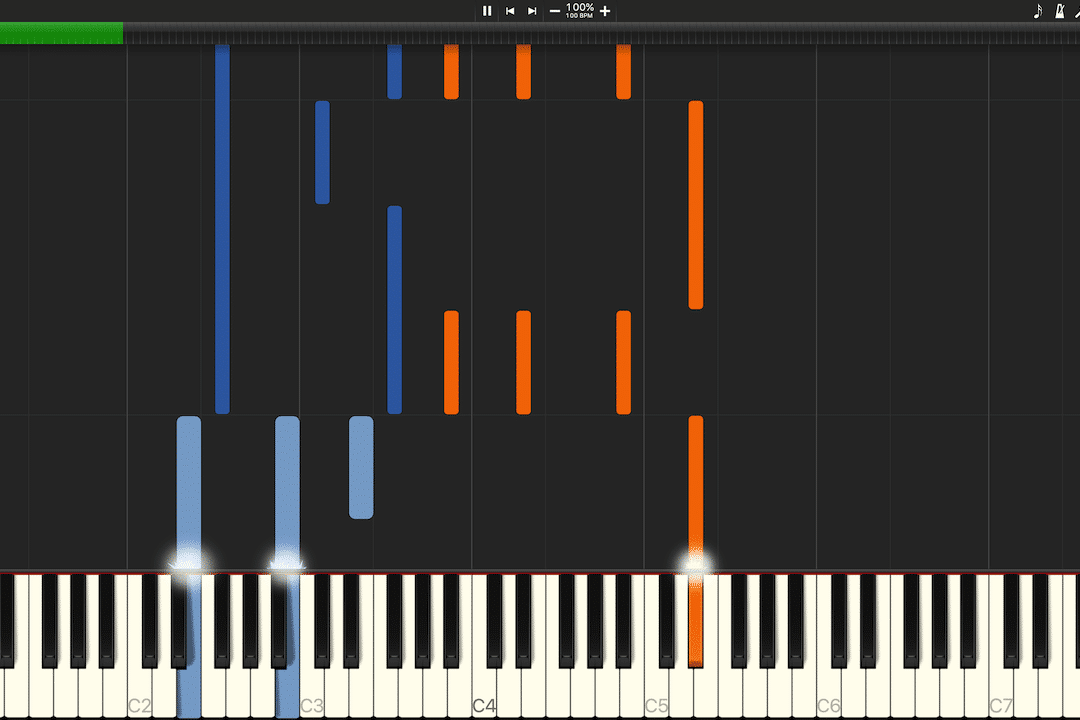
MIDI is a very fundamental data format in the world of music production. While it does not contain any audio, it contains the information of what an instrument plays, i.e. which keys are played and at what velocity. It can also contain other information such as sustain pedal use. A MIDI file can both be recorded by the use of an electronic keyboard (or other devices supporting MIDI) but it can also be created manually in MIDI editing software (e.g., Logic Pro X which I use).
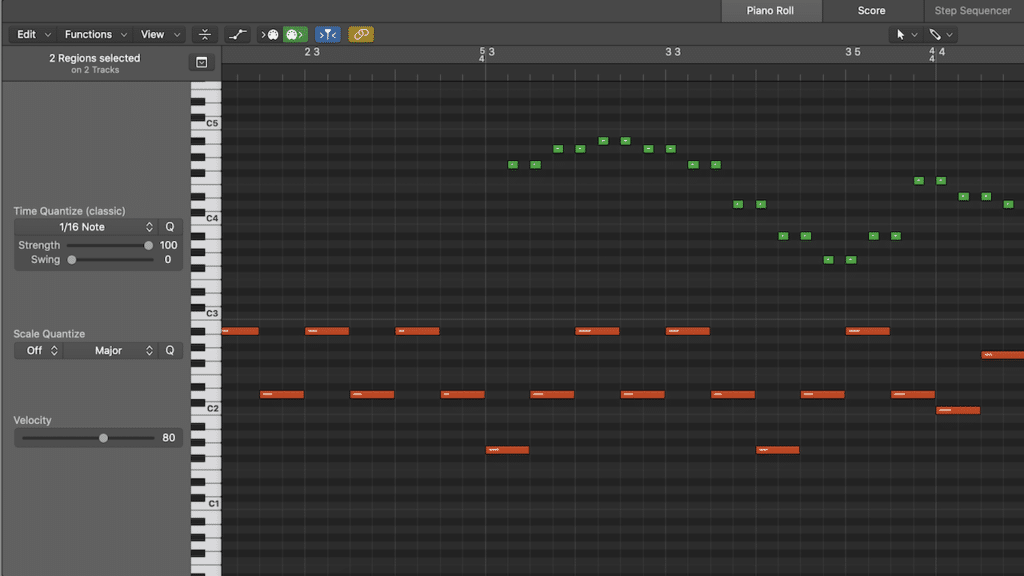
When a MIDI file is loaded into MIDI editing software you will be presented some sort of x-y-plot with keys on one axis and time (bars) on the other axis just as shown below.
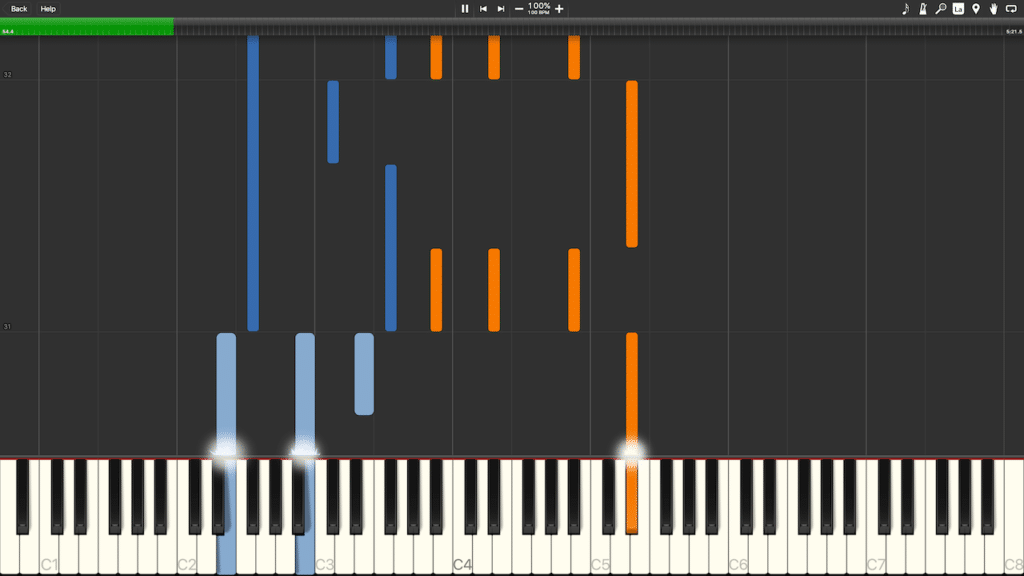
It is very easy to load your own MIDI files in Synthesia. First, you will need to download and install Synthesia from here: https://synthesiagame.com/. Then you need to purchase one or more MIDI files from my store (MIDI store).
In order to load your downloaded files in Synthesia you'll need to do the following:
For more information, please read this comprehensive blog post which contains absolutely all you need to know about MIDI: https://blog.landr.com/what-is-midi/. For any questions or feedback on this post, feel free to leave a comment below.

Do you wonder whether you should go with sheet music or visualizers to learn new songs? Learn what I have to say on this topic.

Have you ever wanted to record your piano keyboard playing but didn’t know where to start? Or maybe you’ve tried recording with a microphone, but

Get a comprehensive look into the full process behind my videos. Both video and audio production is covered.

In this Q&A, I answer the most common questions I get across my platforms.

In this video, I invite you into my home studio. I show all the equipment I use, for you to get some inspiration for your

If you are here, you are probably wondering how to learn piano. In this post, I provide suggestions on how it can be approached and